

Best IPTV apps for the Netherlands in 2026: which one suits your device?

Written by Mr. Pro
Practical IPTV explanation from Pro-IPTV. Last checked: September 8, 2026.
Best IPTV apps for the Netherlands in 2026: which one suits your device?
An IPTV app is the player in which you enter your own playlist or provider information. The app itself does not provide any channels. Which player works well depends mainly on your device: Samsung and LG require something different than a Fire TV Stick or Android TV.
Below I compare the apps that are most often used and discussed in the Netherlands: SmartOne, IPTV Smarters Pro, TiviMate, Smart IPTV/SS IPTV and XCIPTV. No inflated channel numbers and no “this app is guaranteed to work without buffering”. It’s about what the apps can do, where they are available and who they are useful for.
The short selection aid
| Your device or situation | Logical first choice | Why |
|---|---|---|
| Samsung Smart TV | SmartOne | Native Tizen app and easy pairing |
| LG Smart TV | SmartOne | Native webOS app and no Android box required |
| Fire TV Stick or Android TV | IPTV Smarters Pro or TiviMate | Smarters is accessible; TiviMate offers more settings |
| iPhone, iPad or Apple TV | GSE Smart IPTV or Smarters variant | Check current App Store availability |
| You already have Smart IPTV and it works well | Do not switch automatically | You do not have to replace a working installation without reason |
What has been tested and what has not?
This comparison looks at practical points: availability per platform, operation with a remote control, support for Xtream Codes and M3U, EPG, multiple playlists, ease of installation and the clarity of the official app information. Features may vary by version, device and carrier. Therefore, always check the current app store before making a choice.
1. SmartOne IPTV – practical for Samsung and LG

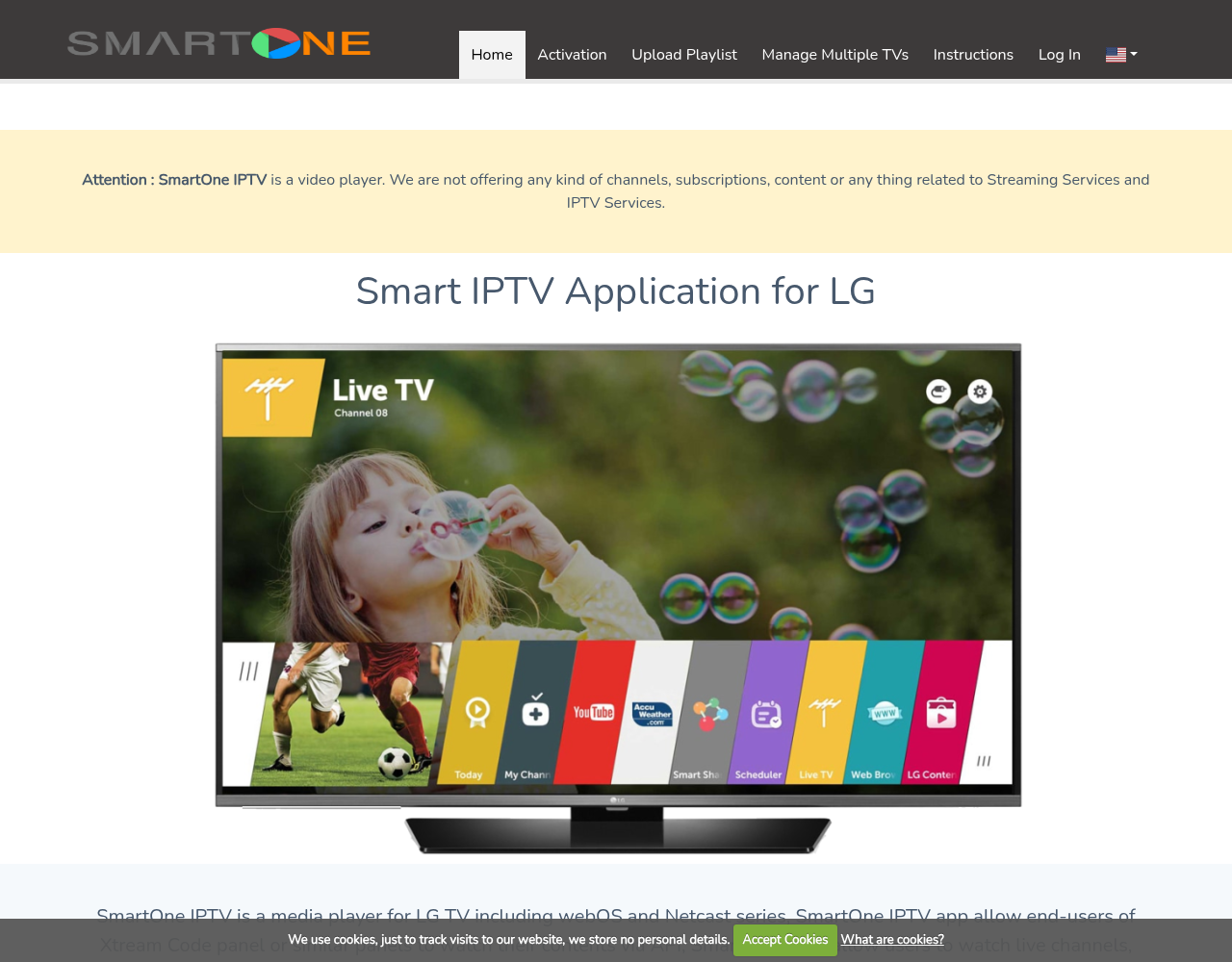
SmartOne is especially interesting for owners of a Samsung or LG television. The app was made for Samsung Tizen and LG webOS, among others. SmartOne is a media player: you add your own M3U playlist or Xtream Codes.
The operation is clear and, for many Samsung and LG users, easier than working with an external Android box. Installation takes place via the relevant TV store if the app is available for your model and region.
Best for: Samsung and LG. Less suitable for: people who are looking for extensive Android TV functions such as recording and multiview.
- Install SmartOne on Samsung
- Install SmartOne on LG
- Activate SmartOne and costs
- SmartOne vs Smart IPTV
2. IPTV Smarters Pro – easily on multiple devices

IPTV Smarters Pro is popular because the same way of working is reflected on Android, Fire TV, mobile and some smart TV platforms. You can usually log in with Xtream Codes API or an M3U link. The app itself does not contain any channels.
The biggest practical limitation is that the name and availability may vary per platform. The app is not available in the store for every model on Samsung or LG. Therefore, do not install any APK if the app is missing.
Best for: beginners and people with multiple types of devices. Less suitable for: who wants maximum EPG, recording and multiview settings on Android TV.
- Complete IPTV Smarters Pro installation guide
- Smarters on Samsung
- Smarters on LG
- Smarters on Firestick
- Set up Xtream Codes and M3U
3. TiviMate – for Android TV and Fire TV users who want more setup
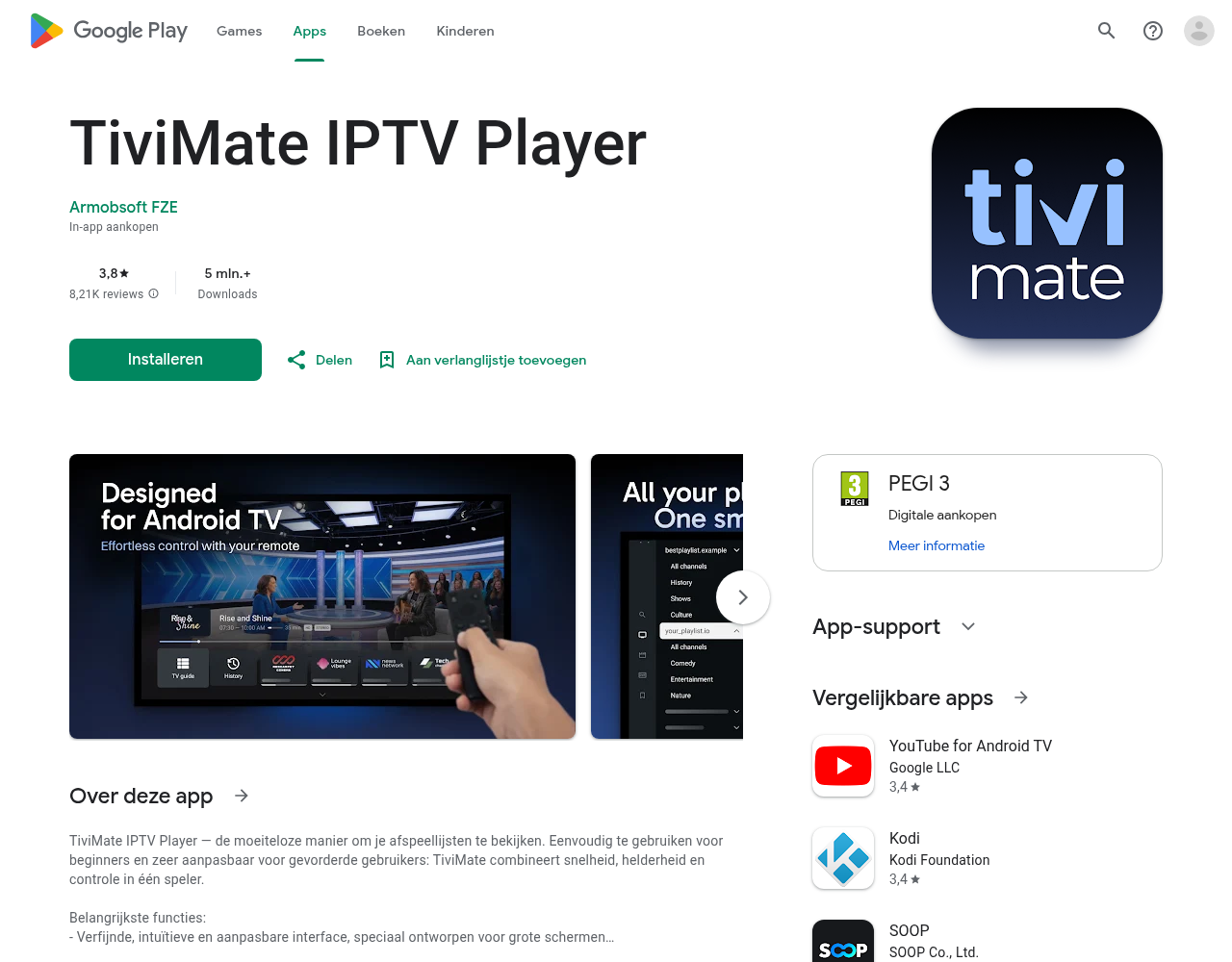
TiviMate is designed for large screens and remote control operation. The app supports M3U, Xtream Codes and EPG, among others. The free version is usable; Features such as multiple playlists, recording and multiview depend on the premium version and the current app conditions.
TiviMate is not intended as a universal app for Samsung Tizen, LG webOS, iPhone and iPad. For Android TV and Fire TV, it is a strong choice if you like to fine-tune your guide, favorites and layout.
Best for: Android TV, Google TV and Fire TV. Less suitable for: beginners who just want a quick look or Samsung/LG users without an extra stick.
Read the TiviMate installation guide for installation on Firestick, Fire TV and Android TV.
4. Smart IPTV and SS IPTV – mainly aimed at smart TVs
Smart IPTV and SS IPTV are names that you mainly encounter among Samsung and LG users. Exact availability changes by TV model, operating system and region. With Smart IPTV you often work with a MAC address and a playlist that you link via a web page.
If you already have a working Smart IPTV installation, switching is not automatically necessary. If the app no longer works or if you want a simpler alternative, first compare SmartOne for your Samsung or LG.
Best for: users looking for a smart TV app with playlist link. NB: check current availability and possible activation costs.
5. XCIPTV Player – Android with built-in players
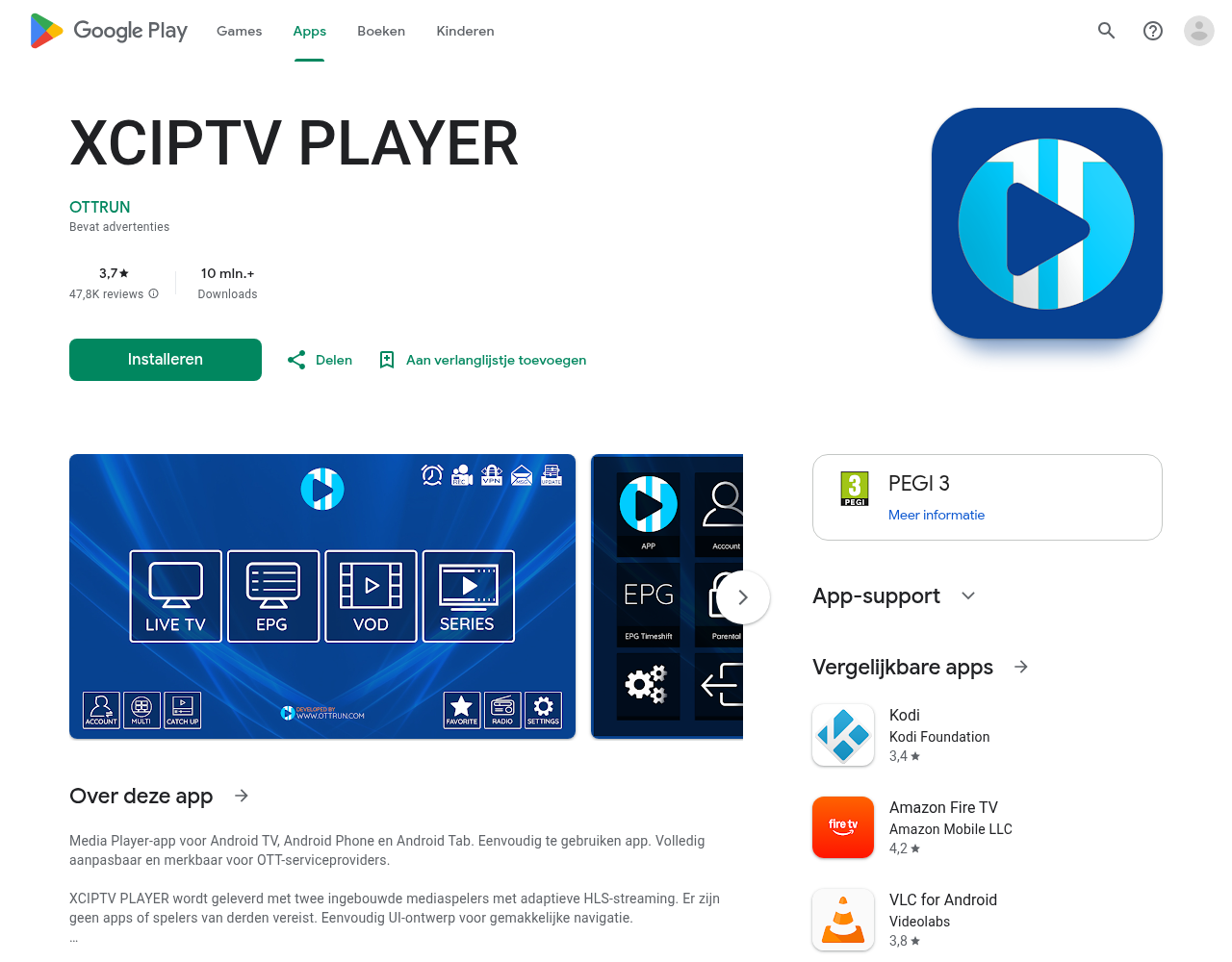
XCIPTV Player targets Android phones, Android TV and tablets. The official app information mentions Xtream Codes, M3U, EPG, VOD, series, favorites and built-in video players, among others. The app itself does not provide any media.
On devices where XCIPTV is not in the official store, you often see sideload guides. Only use a reliable official source and do not install an APK from any download site.
Best for: Android users looking for a player with many built-in features. Less suitable for: Samsung and LG users who don’t want to add an Android device.
Comparison in one table
| App | Samsung/LG | Android TV/Fire TV | Xtream/M3U | For whom? |
|---|---|---|---|---|
| SmartOne | Strong | Availability varies | Yes, depending on version/provider | Smart TV users |
| IPTV Smarters Pro | Model dependent | Strong | Yes | Beginners and multiple devices |
| TiviMate | No as a native TV app | Very strong | Yes | Android TV and Fire TV users |
| Smart IPTV/SS IPTV | Model and region specific | More limited | Mostly playlist-based | Smart TV users |
| XCIPTV | No as a native Tizen/webOS app | Strong | Yes | Android users |
What do you do if IPTV buffers?
Another app won’t automatically fix a bad Wi-Fi connection or an overloaded provider. Test on the device itself first, restart your router and try a network cable if possible. Also view our explanation about internet, WiFi and cable at IPTV.
Are IPTV apps legal?
The player itself is software. The legal question concerns the channels, films and series that you play with it and whether there is permission for this. Read the explanation about IPTV and legality in the Netherlands before choosing a service.
Frequently asked questions
Which IPTV App is Best for Samsung?
For Samsung, SmartOne is often the most practical first choice if the app is available on your model. Smarters or Smart IPTV may also fit, depending on your playlist method.
Which IPTV App is Best for Firestick?
Smarters is practical for easy installation. If you want more control over EPG, favorites, multiple playlists and recording, look at TiviMate.
Can I use the same IPTV data in multiple apps?
Often yes, but that depends on your provider and the number of connections allowed. The apps themselves do not share a subscription with each other.
Which app should I choose?
First choose based on your device. Samsung or LG: look at SmartOne. Firestick or Android TV: compare Smarters with TiviMate. Apple device: check the current App Store options.
Conclusion
There is no one best IPTV app for everyone. SmartOne usually fits well with Samsung and LG, Smarters is simple and widely applicable, TiviMate is strong on Android TV and Fire TV, Smart IPTV/SS IPTV are smart TV options and XCIPTV is interesting for Android.
Don’t know which player suits your device? Click on the Joinchat button at the bottom right and send the make and model of your TV or box.

Recent Comments