

Install IPTV with IBO PLAYER
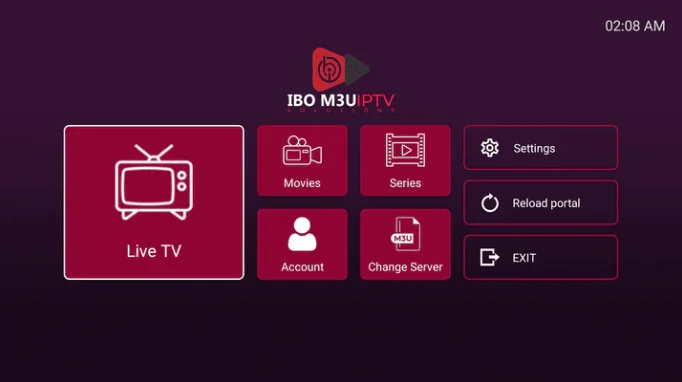
IBO PLAYER is one of the best IPTV applications currently available on the market, specifically for TV, and is considered the ideal alternative for those who use Dual Play, which is no longer available in Samsung or LG stores, and you cannot activate or pay to continue using it. In this tutorial, we will learn how to install IPTV on IBO PLAYER.
Please note that IBO PLAYER does not provide a list or channel, so you must provide your playlist link (m3u link) to view the channels and VOD. You can get this from us for free to test, send us a WhatsApp message and we’ll arrange it for you.
Here are the steps you need to follow to upload your playlist (IPTV subscription):
- Once the application is installed, open it and try to obtain Mac address and Device key.
- Using your computer or smartphone, open this link to go to the application website: https://iboplayer.com/device/login
- Enter the information from your IBO Player application on your TV into the designated fields (Mac address and device key) and click Login.
- Once connected, you typically have two installation methods, either with m3u link (Add Playlist) or with Xtream codes (Add XC Playlist) and both work.
Activation of IBO PLAYER
IBO PLAYER offers its new users a 7-day trial period like FLIX IPTV, SET IPTV, and other apps.
If you like this player and want to continue using it, you can make the payment via the website and purchase the license for 8 EUR.

Recent Comments